



example.comOperational
90 days ago99.987% uptimeToday
90-day uptime history
Show customers a day-by-day history with the exact uptime percentage, so your reliability speaks for itself.
Share live uptime, incident updates and scheduled maintenance on a branded status page at yourdomain.status.statixoup.com. Keep customers informed and cut down on "is it down?" support tickets.
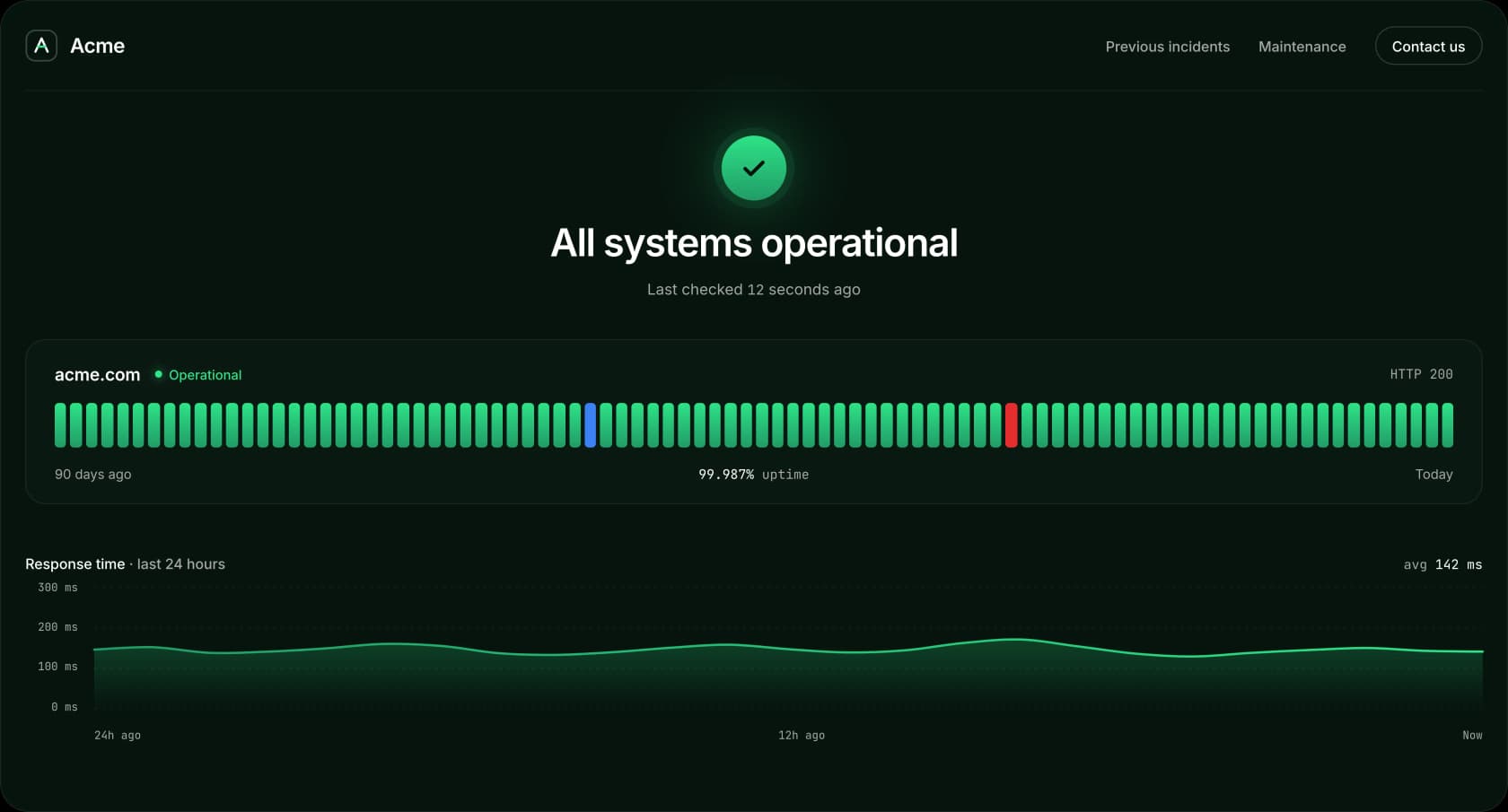
Your status page stays in sync with your monitors, so customers always see what is really happening.
Show customers a day-by-day history with the exact uptime percentage, so your reliability speaks for itself.
When a monitor goes down, an update can be posted for you, and marked resolved as soon as it recovers.
Announce planned work ahead of time and update it as it moves from scheduled to in progress to resolved.
A clear, honest status page saves your team time and keeps customers on your side, even when things go wrong.
Customers check your status page first instead of flooding your inbox during an outage.
Openly sharing uptime and incidents shows customers you take reliability seriously.
Pick a subdomain like yourdomain.status.statixoup.com and your page is ready to share in minutes.
Create separate status pages for each website or service, from 1 page on Free up to unlimited on Enterprise.
Customize your status page in a few clicks so it feels like part of your product, not a third-party tool.
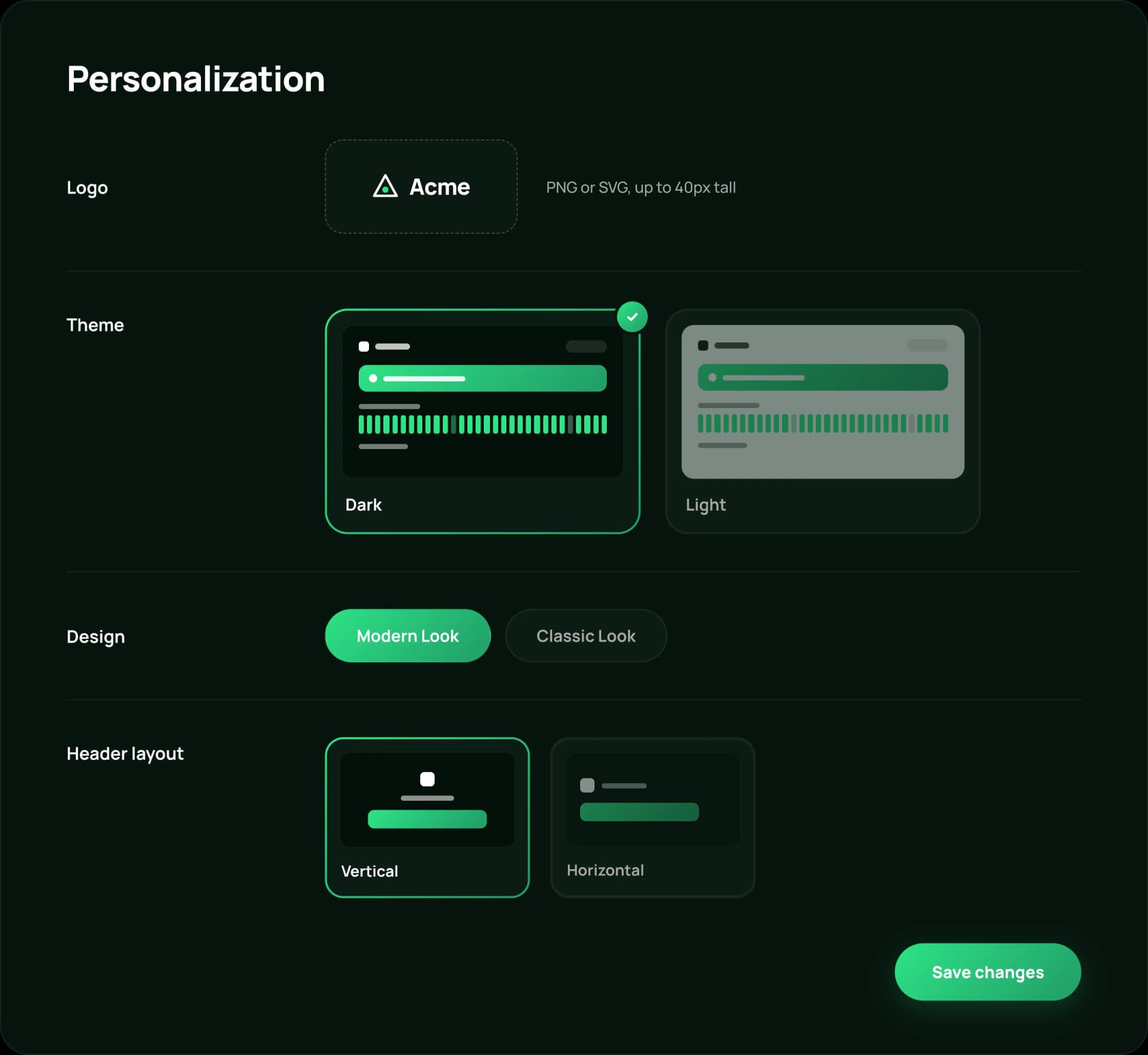
No hosting, no code. Your status page is live as soon as you save it.
Choose a name, add your logo and pick a theme and layout that match your brand.
Select the monitor to display and choose current status, 90-day history or history with a chart.
Send customers your status page link. Incidents and maintenance appear there as they happen.
Join thousands of developers and founders who receive monitoring tips, product updates, and reliability best practices - no spam, ever.
A short call with our team, set up on your own sites.
Statixoup checks your websites and APIs every 30 seconds and tells you in plain language why something failed. Alerts by email, WhatsApp or voice call.